UI / UX Design
Bookingo – Event Booking Platform Design
Bookingo is an event booking platform designed for both kids’ activities and pet-friendly events. The goal was to create an intuitive, mobile-first booking experience that felt welcoming to two very different user groups without causing confusion.
Year :
2025
Industry :
Event Management
Client :
Internal / Concept Project
Project Duration :
6 Months
Major Challenges Solved
Dual Audience Design: Needed to serve parents and pet owners while keeping the interface simple and inclusive.
Booking Drop-Offs: Users were abandoning the checkout flow due to unclear navigation and too many steps.
Mobile Optimization: The existing platform lacked responsive layouts and was difficult to use on small screens.

My Role & My Tasks
Role: UI/UX Designer
Tasks: User research, information architecture, wireframing, prototyping, UI design, and usability testing.
Tools Used
Figma · FigJam · Adobe Illustrator
Competitor Analysis
Reviewed Sawyer, KidPass, and Yuggler to identify opportunities in the event booking space.
While all three offered event discovery and basic filters, they lacked personalized recommendations, clear category separation for different audience types, and streamlined booking flows.
This gap presented an opportunity for Bookingo to deliver faster navigation, audience-specific filtering, and a cleaner booking process.
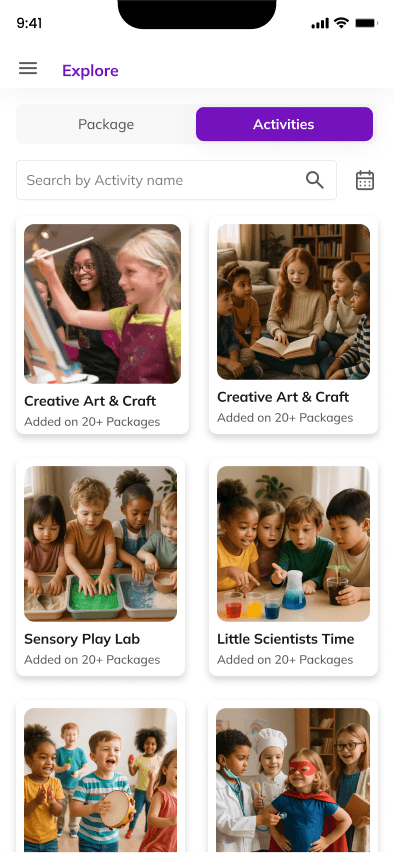
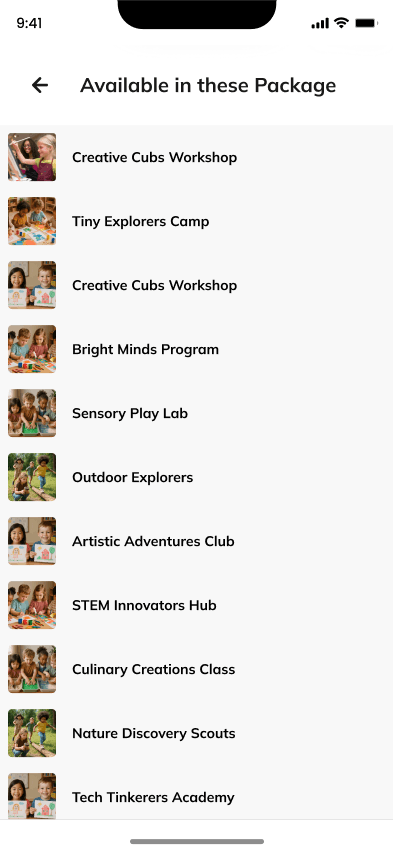
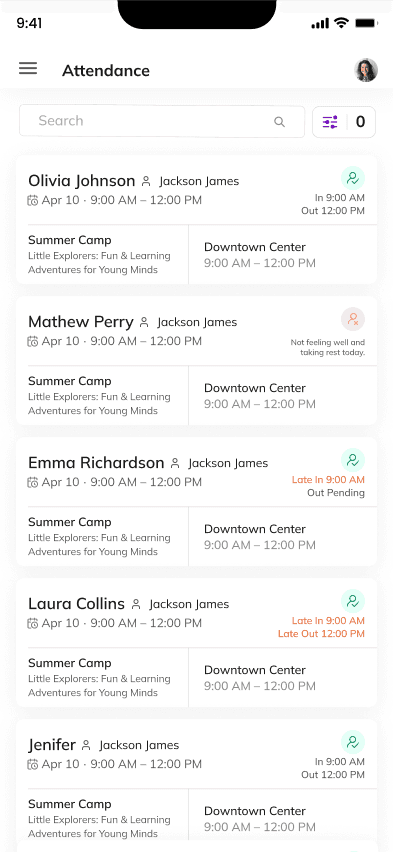
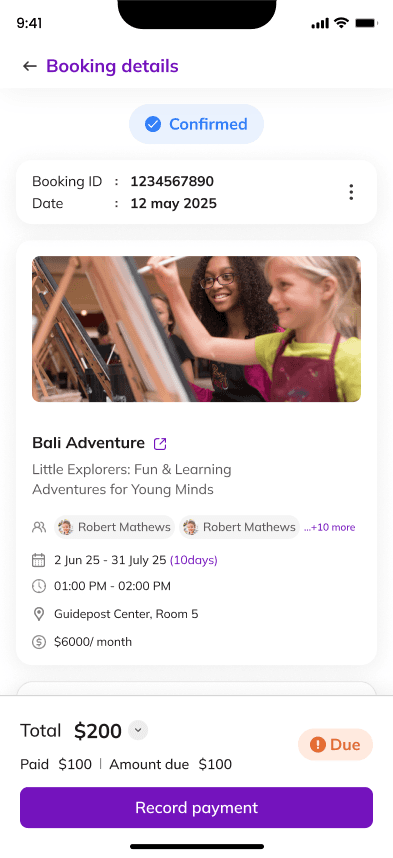
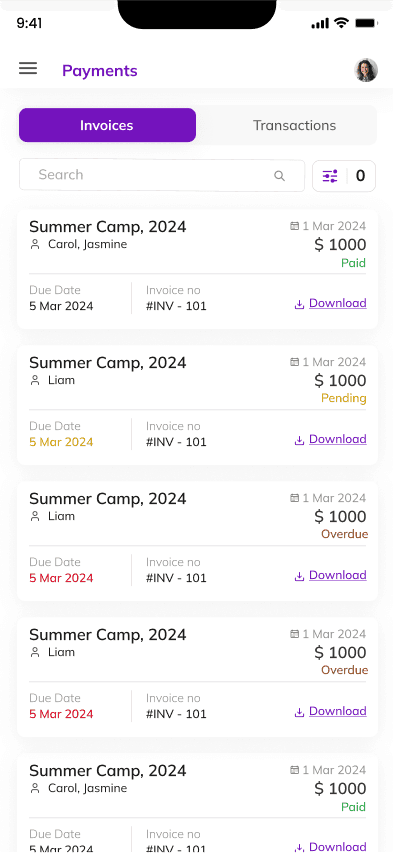
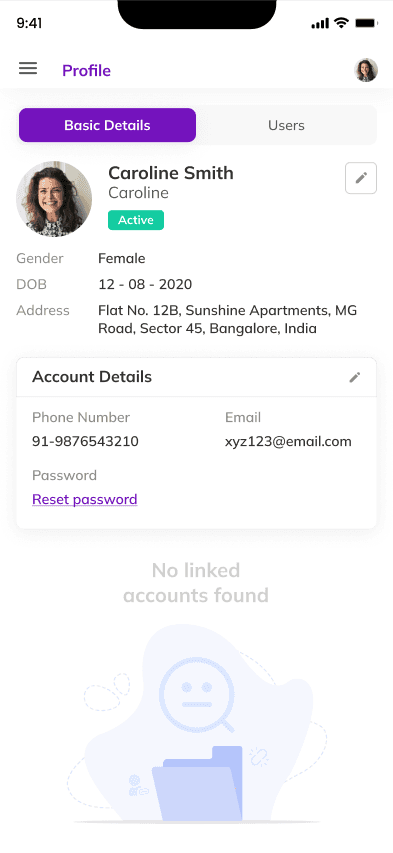
Mobile UI (Parent Side)
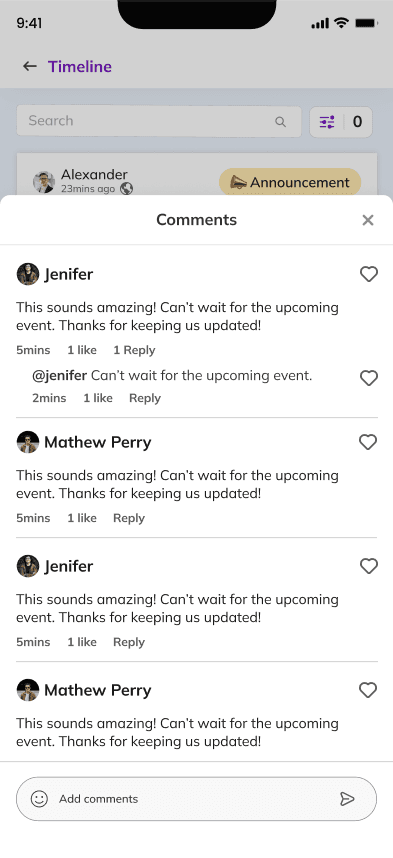
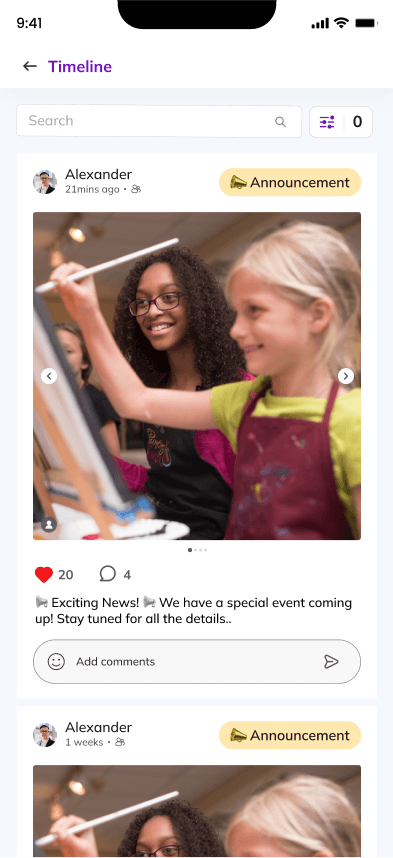
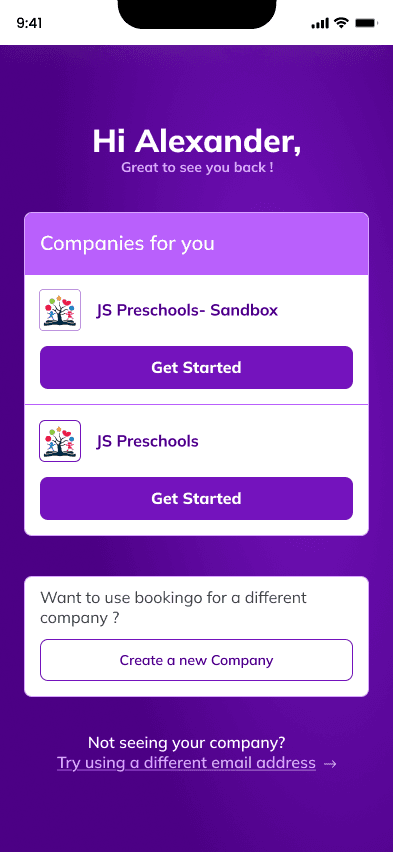
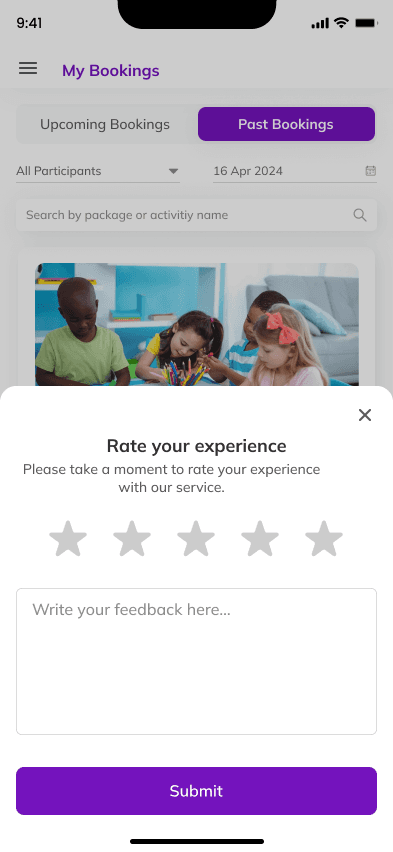
Event Discovery: High-fidelity screens showing category tabs (Kids / Pets), event cards, and search filters.
Event Detail: Mobile layouts with event description, date/time picker, and organizer details.
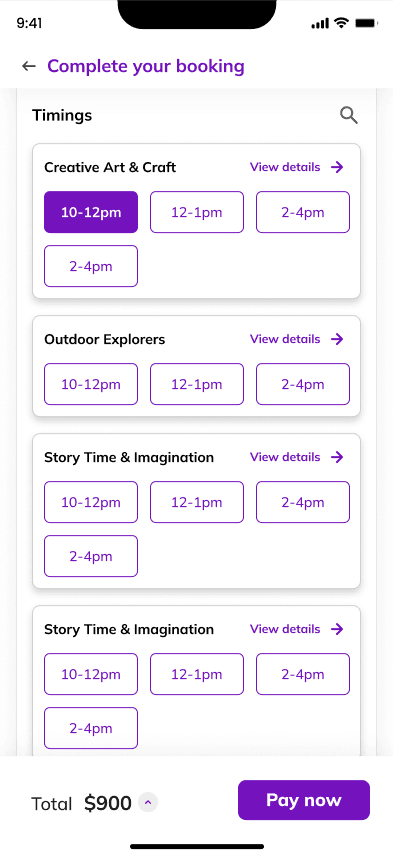
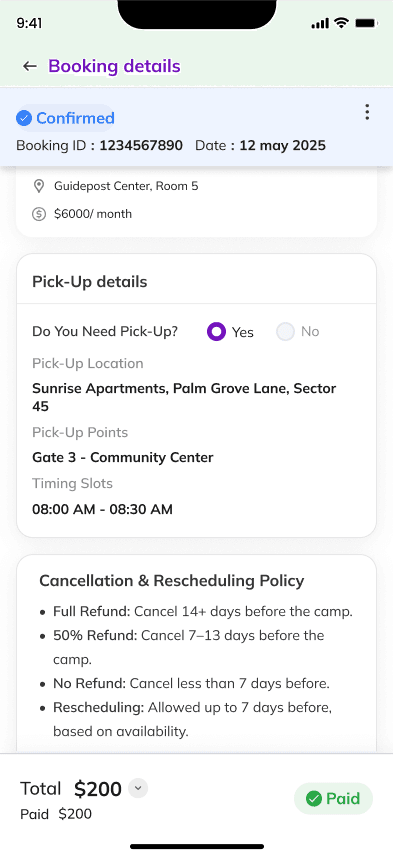
Booking Flow: Step-by-step screens from ticket selection to confirmation page.
Special Features: Personalized recommendations section and audience-specific color themes.
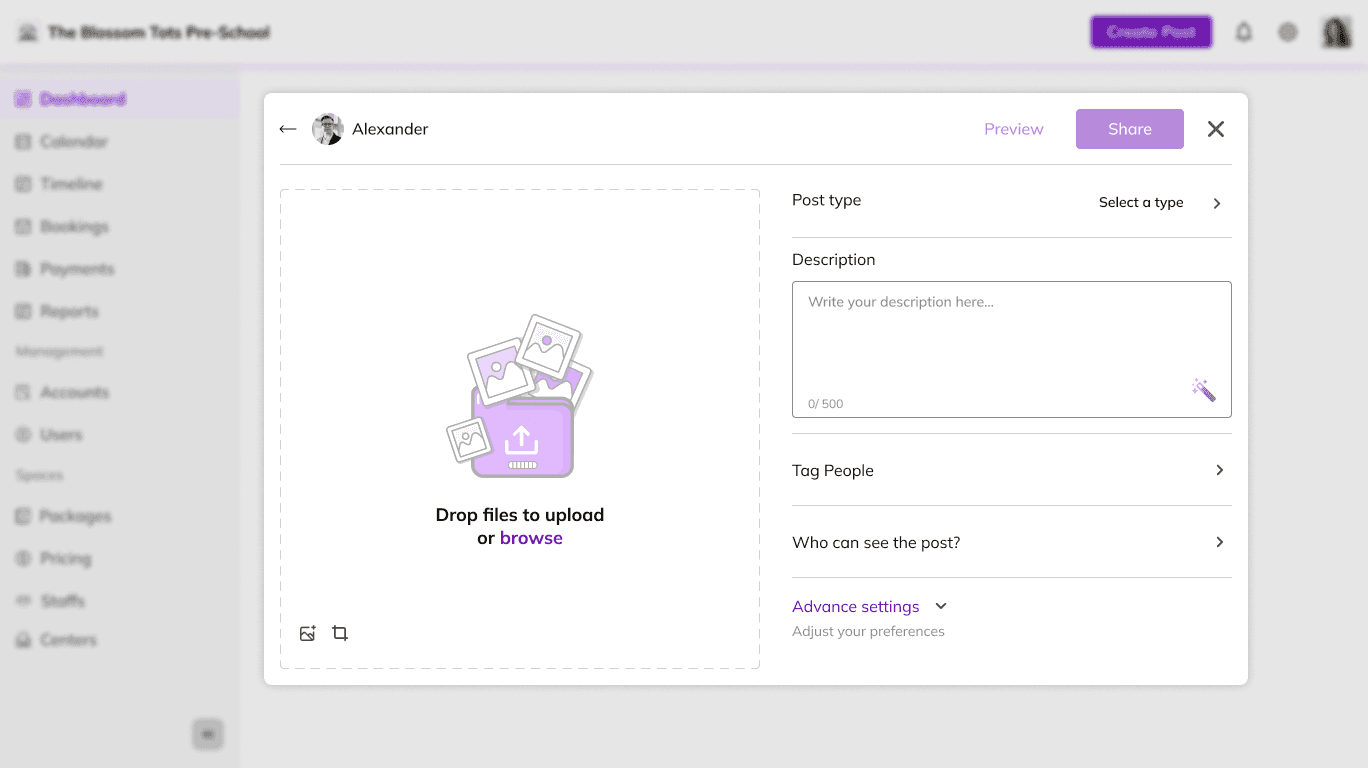
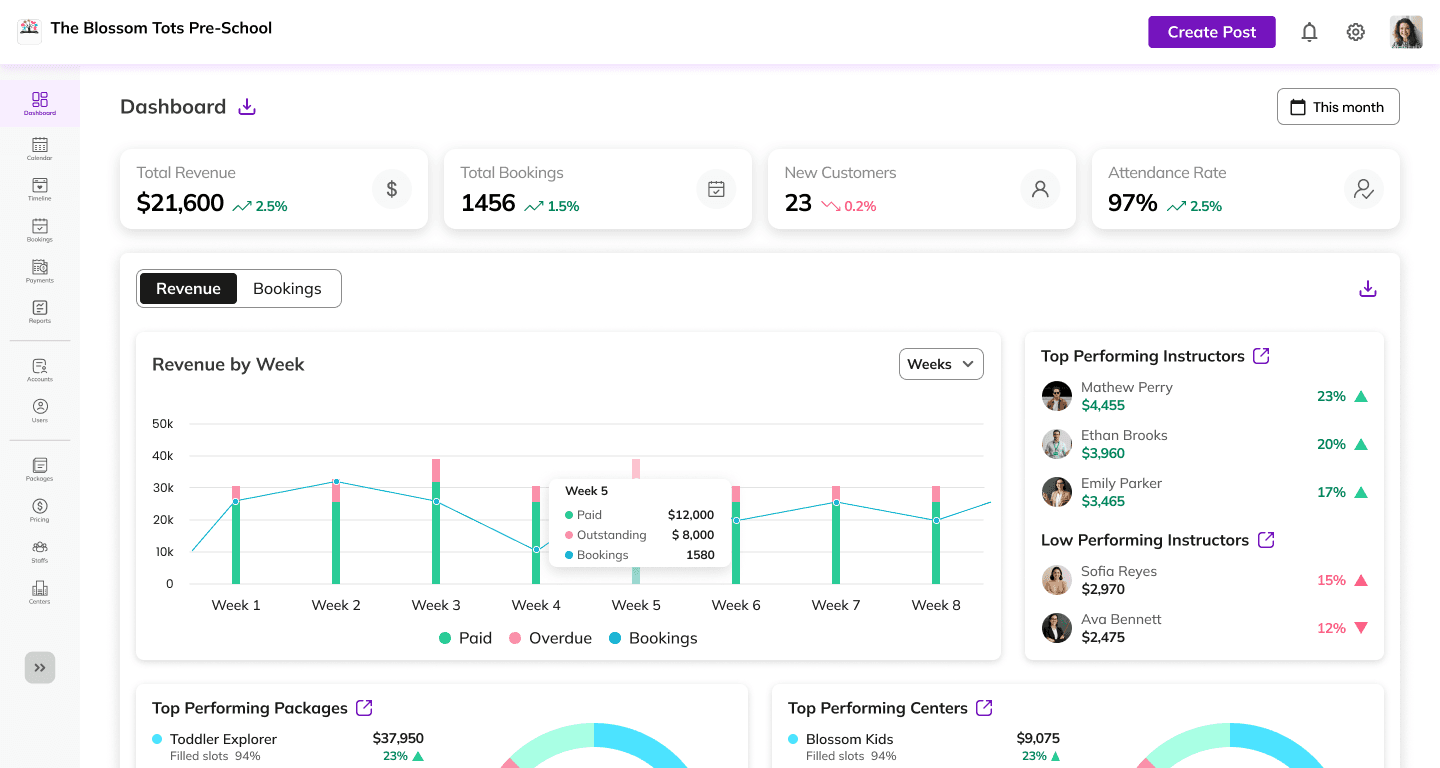
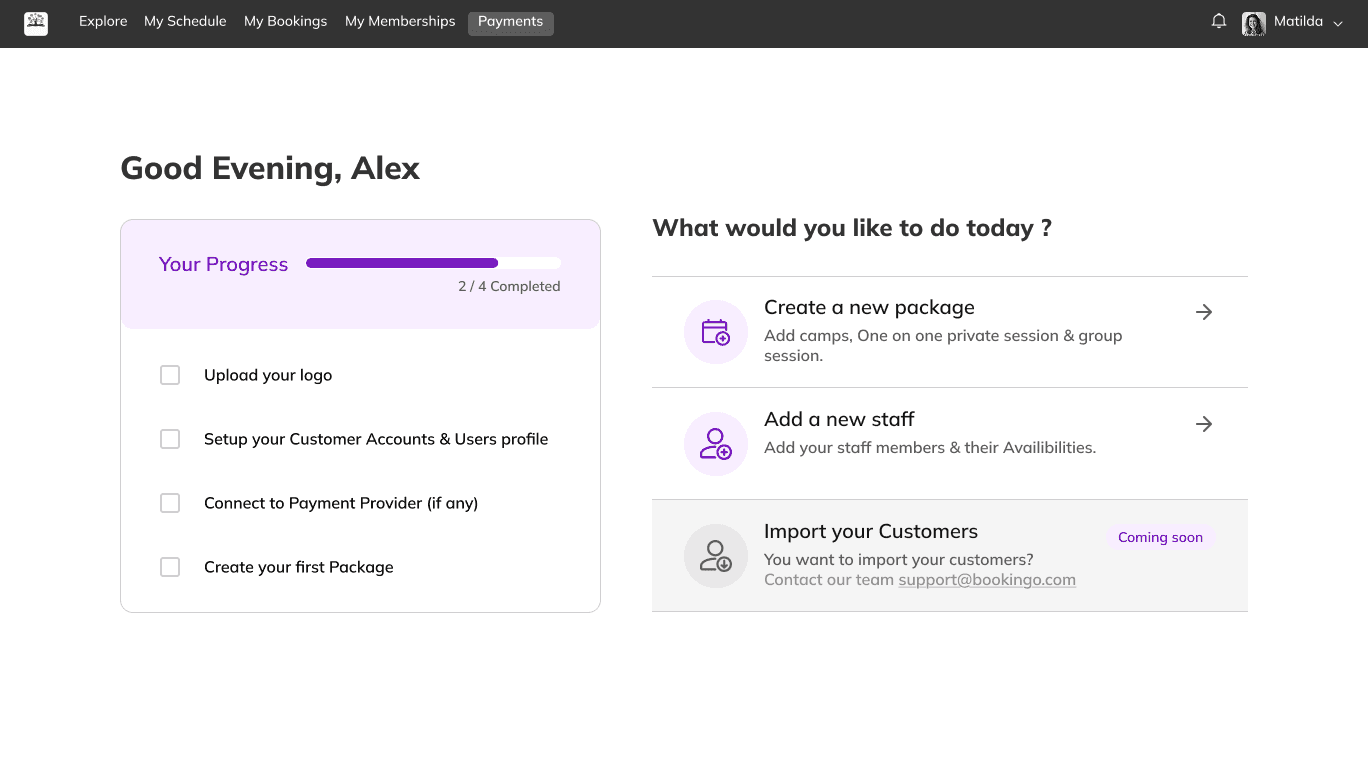
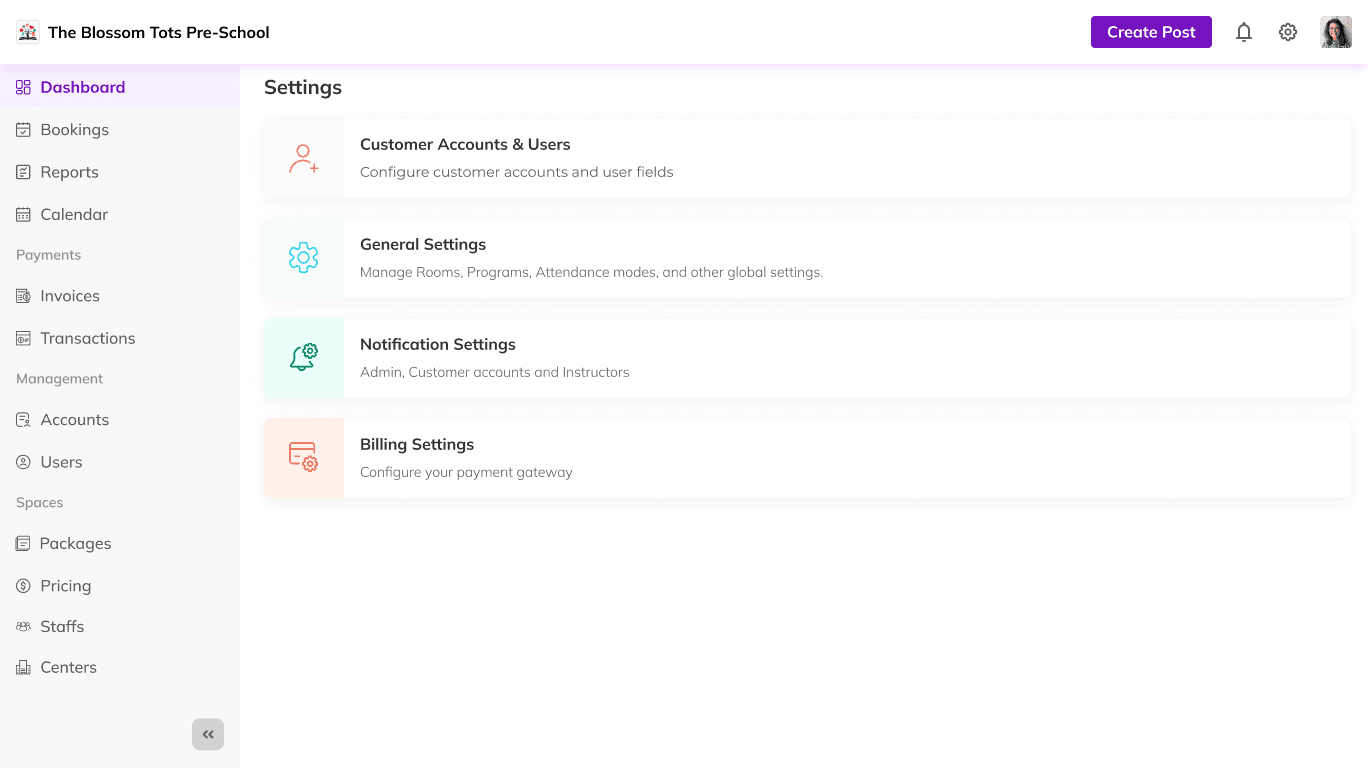
Desktop UI (Parent + Admin Side)
Parent Side:
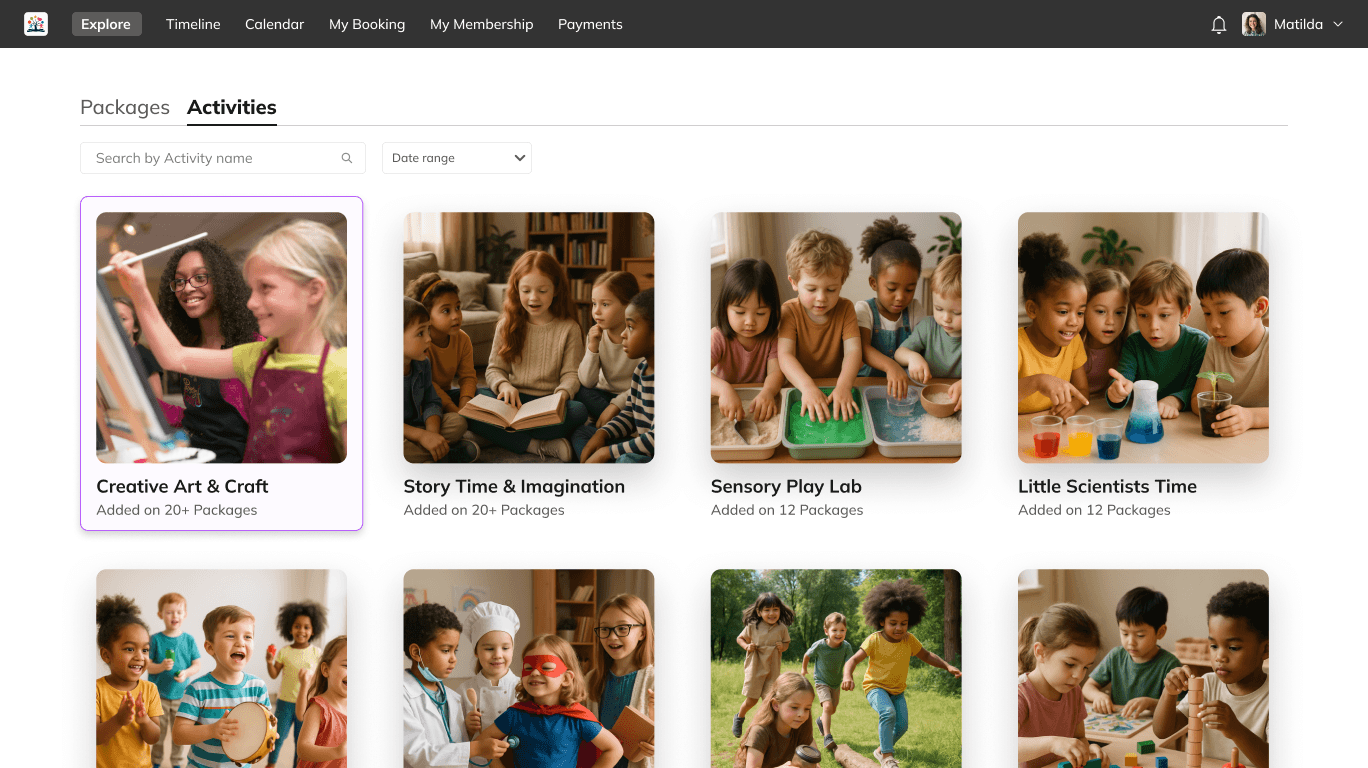
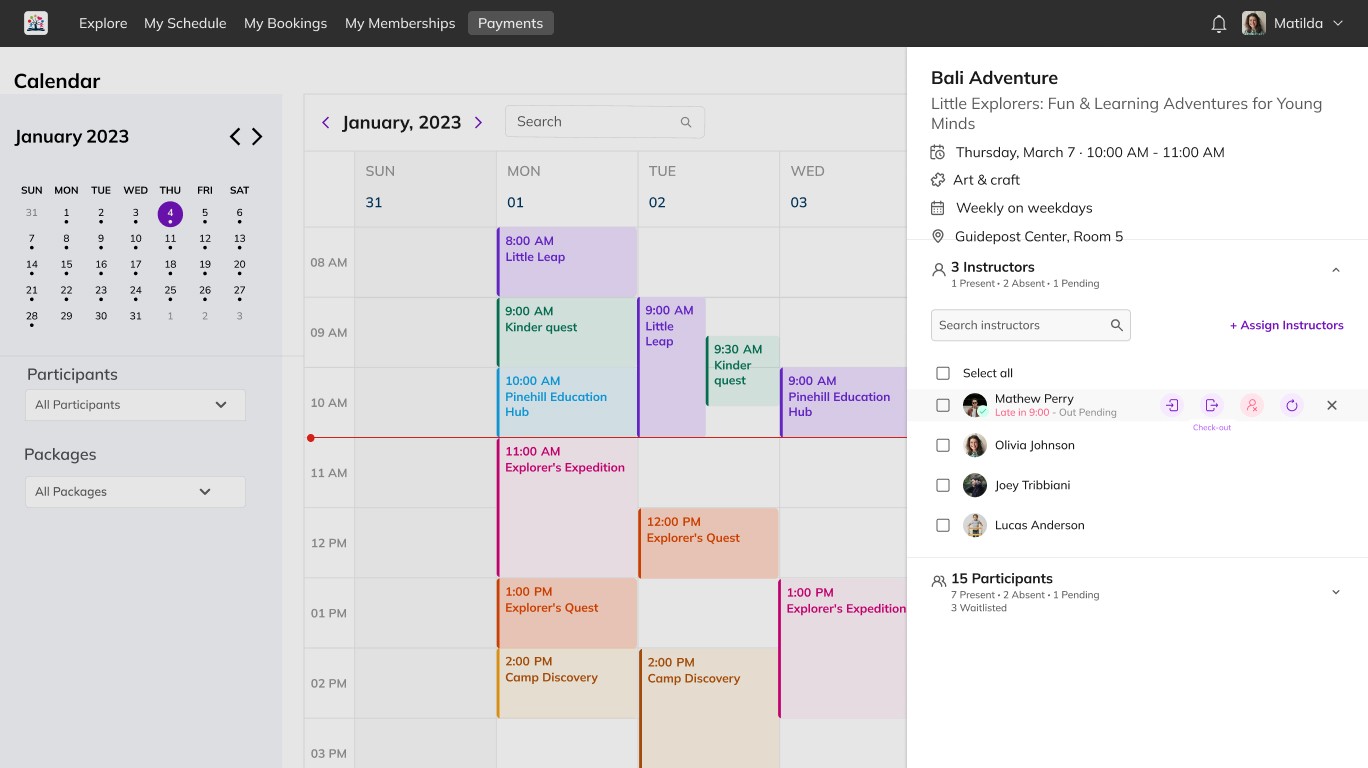
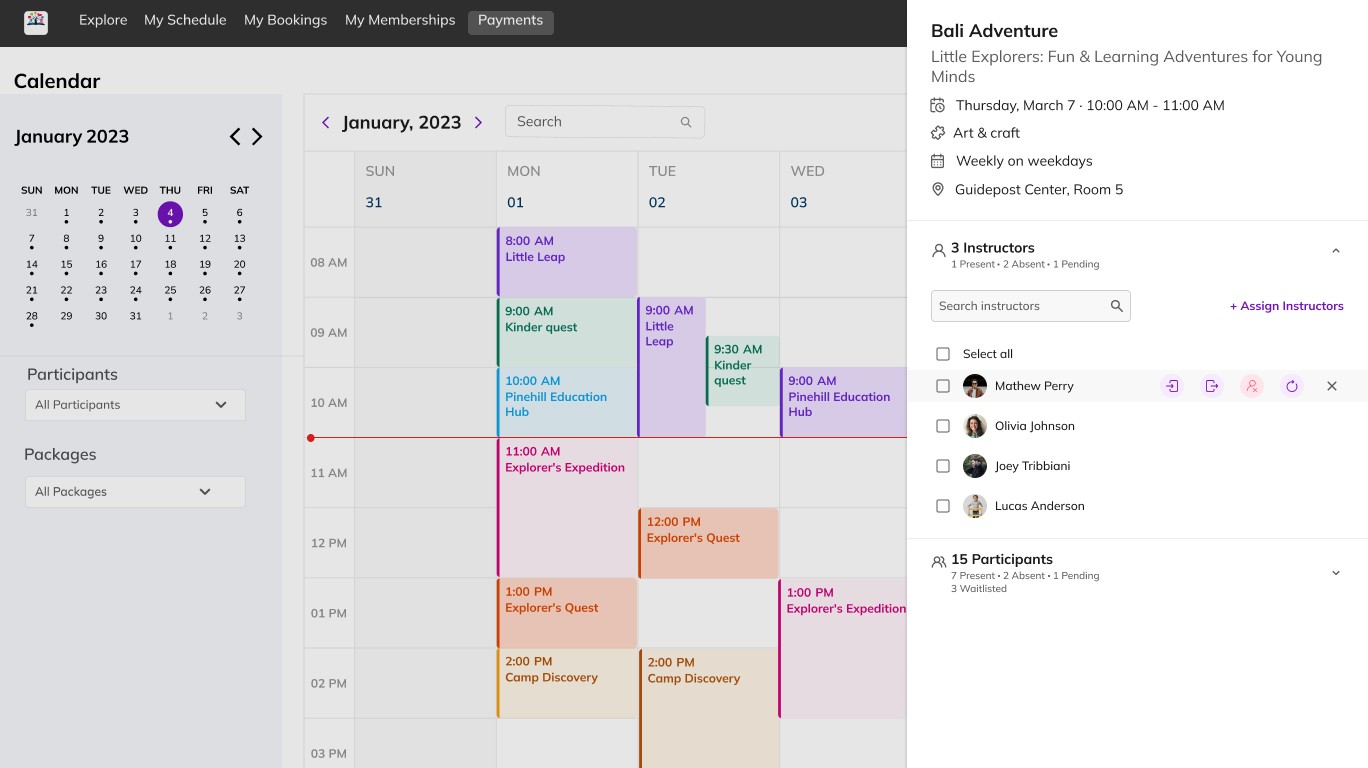
Explore Packages, Event Detail, Booking Flow, Payments, Membership, Reviews, Activity, Availability.
Admin Side:
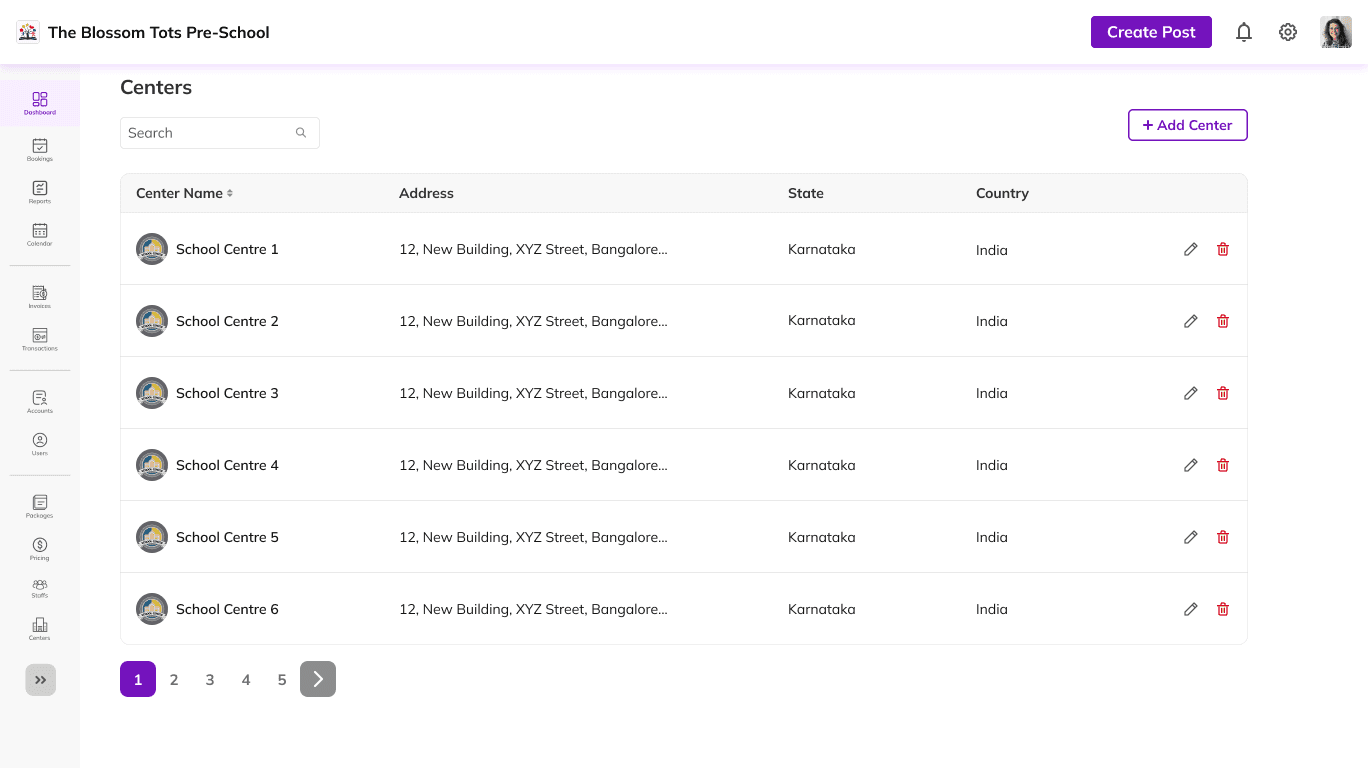
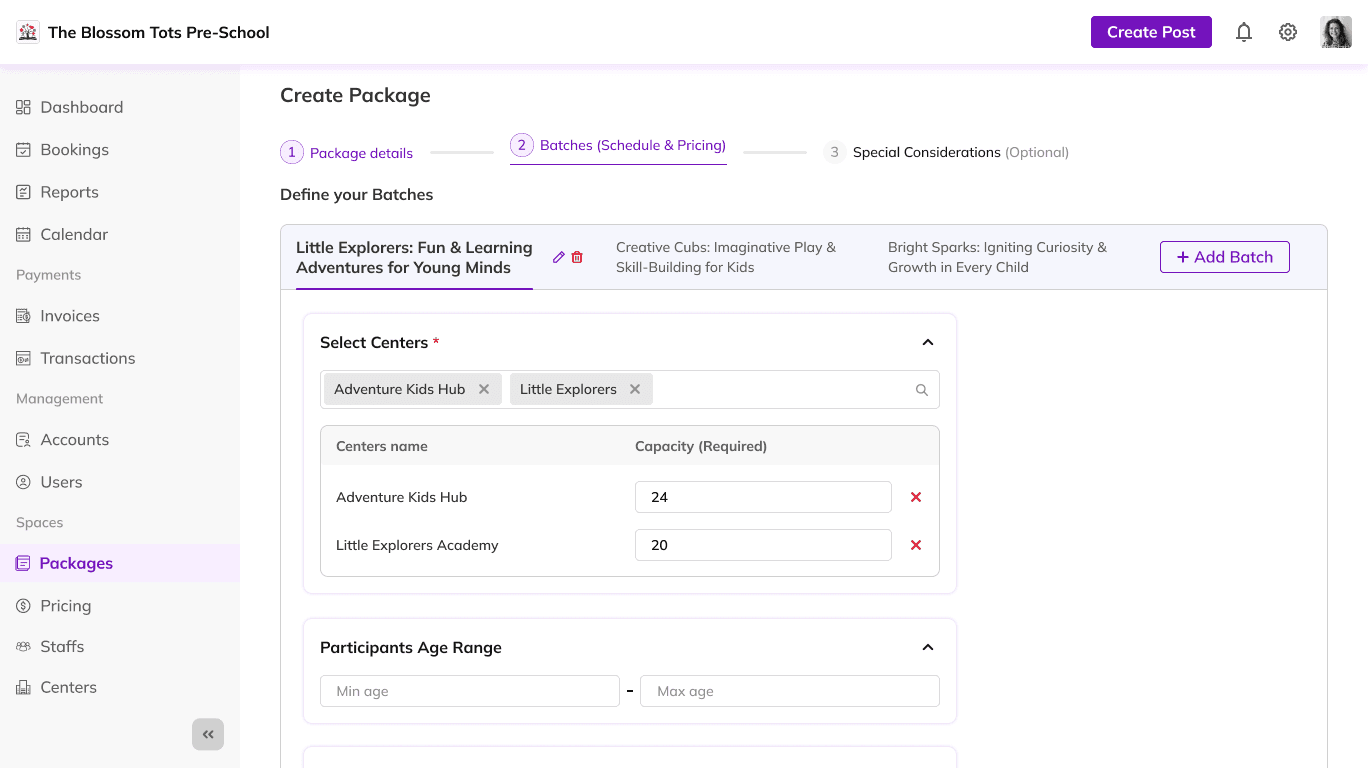
Package Creation: Interface for adding new event packages with pricing and availability.
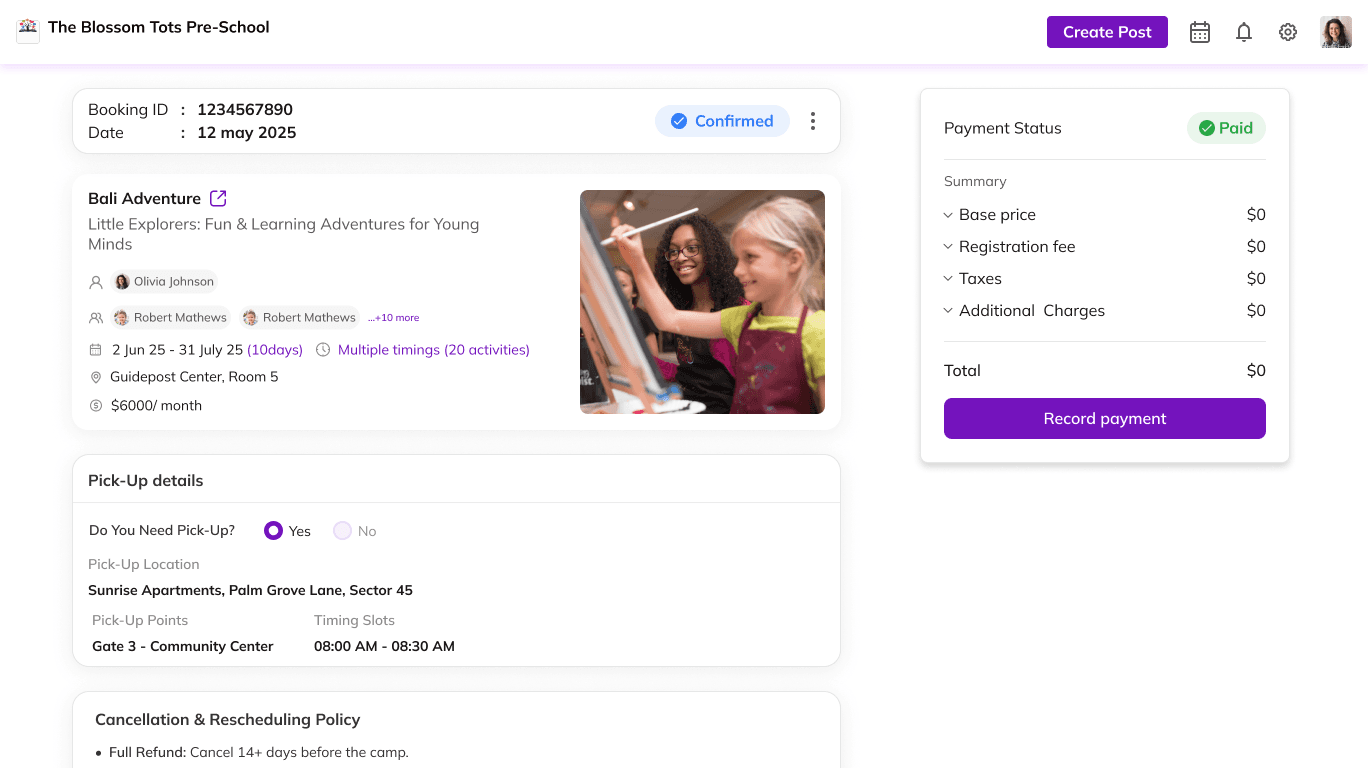
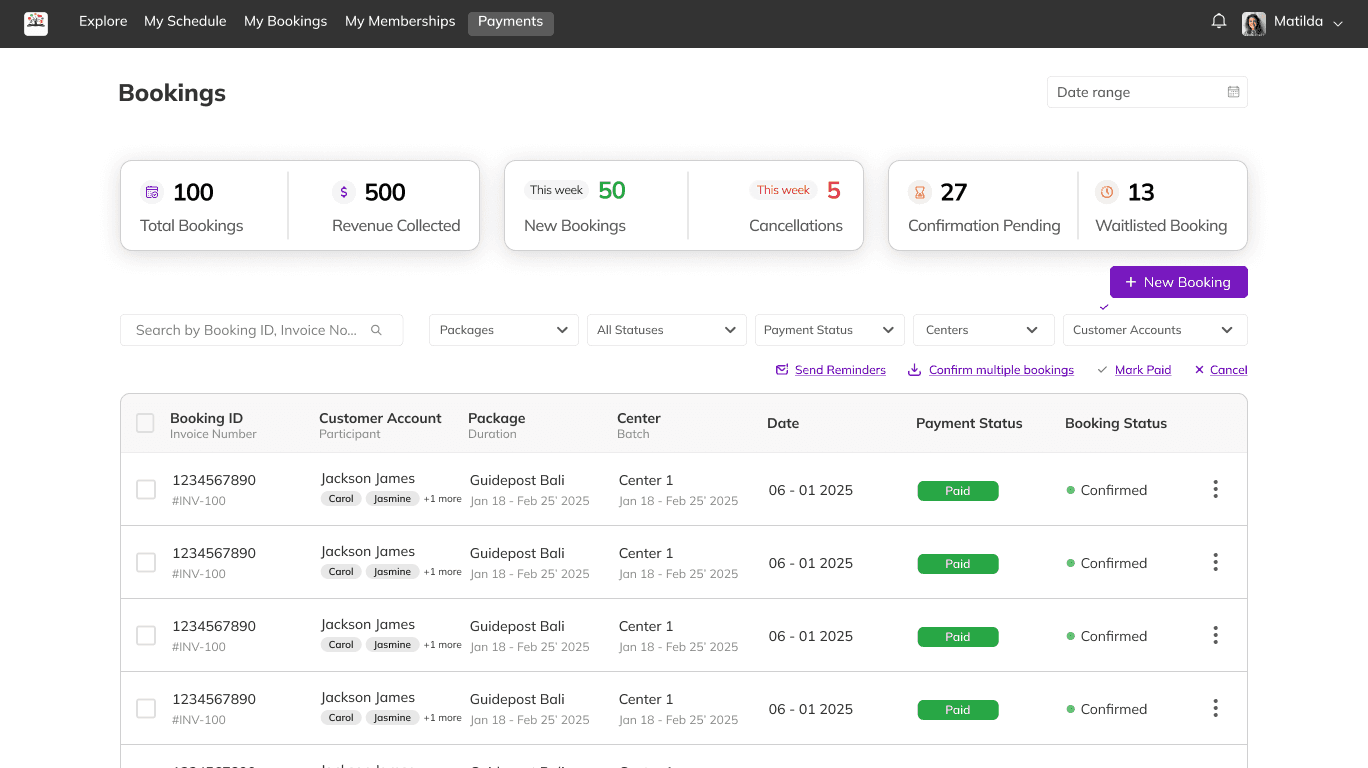
Booking Management: Table view of bookings, status updates, and booking detail pages.
Payments Dashboard: Overview of transactions and membership sales.
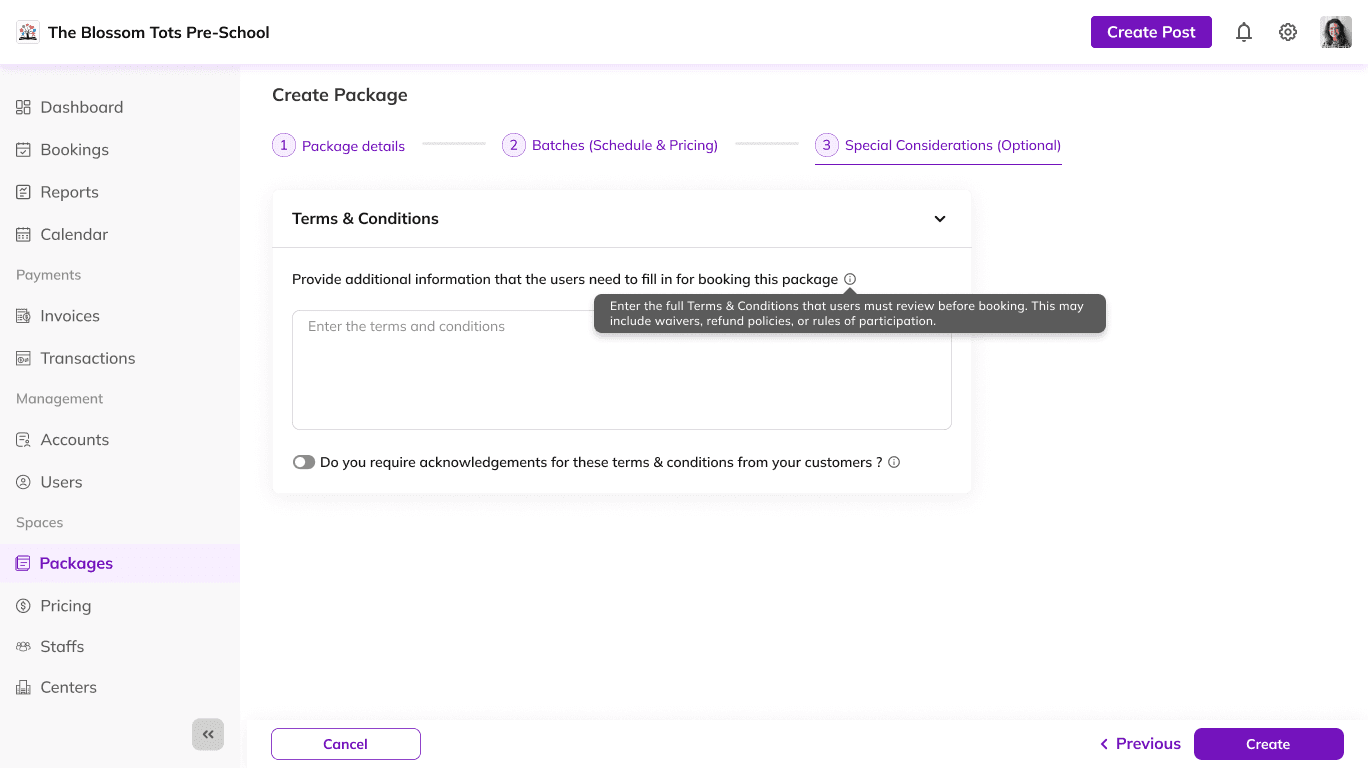
Terms & Conditions Management: Editable T&C interface for events and packages.
More Projects
UI / UX Design
Bookingo – Event Booking Platform Design
Bookingo is an event booking platform designed for both kids’ activities and pet-friendly events. The goal was to create an intuitive, mobile-first booking experience that felt welcoming to two very different user groups without causing confusion.
Year :
2025
Industry :
Event Management
Client :
Internal / Concept Project
Project Duration :
6 Months
Major Challenges Solved
Dual Audience Design: Needed to serve parents and pet owners while keeping the interface simple and inclusive.
Booking Drop-Offs: Users were abandoning the checkout flow due to unclear navigation and too many steps.
Mobile Optimization: The existing platform lacked responsive layouts and was difficult to use on small screens.
My Role & My Tasks
Role: UI/UX Designer
Tasks: User research, information architecture, wireframing, prototyping, UI design, and usability testing.
Tools Used
Figma · FigJam · Adobe Illustrator
Competitor Analysis
Reviewed Sawyer, KidPass, and Yuggler to identify opportunities in the event booking space.
While all three offered event discovery and basic filters, they lacked personalized recommendations, clear category separation for different audience types, and streamlined booking flows.
This gap presented an opportunity for Bookingo to deliver faster navigation, audience-specific filtering, and a cleaner booking process.
Mobile UI (Parent Side)
Event Discovery: High-fidelity screens showing category tabs (Kids / Pets), event cards, and search filters.
Event Detail: Mobile layouts with event description, date/time picker, and organizer details.
Booking Flow: Step-by-step screens from ticket selection to confirmation page.
Special Features: Personalized recommendations section and audience-specific color themes.
Desktop UI (Parent + Admin Side)
Parent Side:
Explore Packages, Event Detail, Booking Flow, Payments, Membership, Reviews, Activity, Availability.
Admin Side:
Package Creation: Interface for adding new event packages with pricing and availability.
Booking Management: Table view of bookings, status updates, and booking detail pages.
Payments Dashboard: Overview of transactions and membership sales.
Terms & Conditions Management: Editable T&C interface for events and packages.
More Projects
UI / UX Design
Bookingo – Event Booking Platform Design
Bookingo is an event booking platform designed for both kids’ activities and pet-friendly events. The goal was to create an intuitive, mobile-first booking experience that felt welcoming to two very different user groups without causing confusion.
Year :
2025
Industry :
Event Management
Client :
Internal / Concept Project
Project Duration :
6 Months
Major Challenges Solved
Dual Audience Design: Needed to serve parents and pet owners while keeping the interface simple and inclusive.
Booking Drop-Offs: Users were abandoning the checkout flow due to unclear navigation and too many steps.
Mobile Optimization: The existing platform lacked responsive layouts and was difficult to use on small screens.
My Role & My Tasks
Role: UI/UX Designer
Tasks: User research, information architecture, wireframing, prototyping, UI design, and usability testing.
Tools Used
Figma · FigJam · Adobe Illustrator
Competitor Analysis
Reviewed Sawyer, KidPass, and Yuggler to identify opportunities in the event booking space.
While all three offered event discovery and basic filters, they lacked personalized recommendations, clear category separation for different audience types, and streamlined booking flows.
This gap presented an opportunity for Bookingo to deliver faster navigation, audience-specific filtering, and a cleaner booking process.
Mobile UI (Parent Side)
Event Discovery: High-fidelity screens showing category tabs (Kids / Pets), event cards, and search filters.
Event Detail: Mobile layouts with event description, date/time picker, and organizer details.
Booking Flow: Step-by-step screens from ticket selection to confirmation page.
Special Features: Personalized recommendations section and audience-specific color themes.
Desktop UI (Parent + Admin Side)
Parent Side:
Explore Packages, Event Detail, Booking Flow, Payments, Membership, Reviews, Activity, Availability.
Admin Side:
Package Creation: Interface for adding new event packages with pricing and availability.
Booking Management: Table view of bookings, status updates, and booking detail pages.
Payments Dashboard: Overview of transactions and membership sales.
Terms & Conditions Management: Editable T&C interface for events and packages.